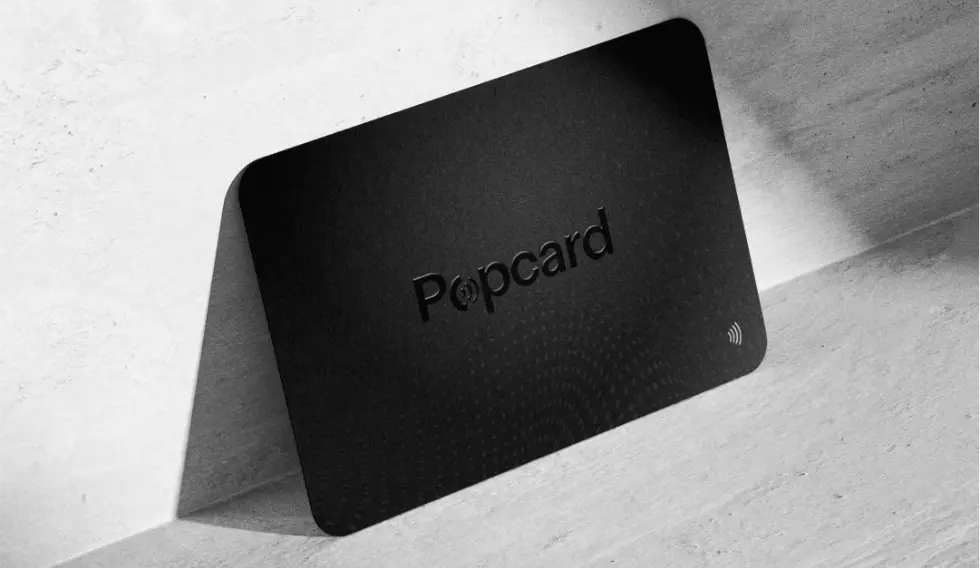
Smartphone Compatibility
How it works ?
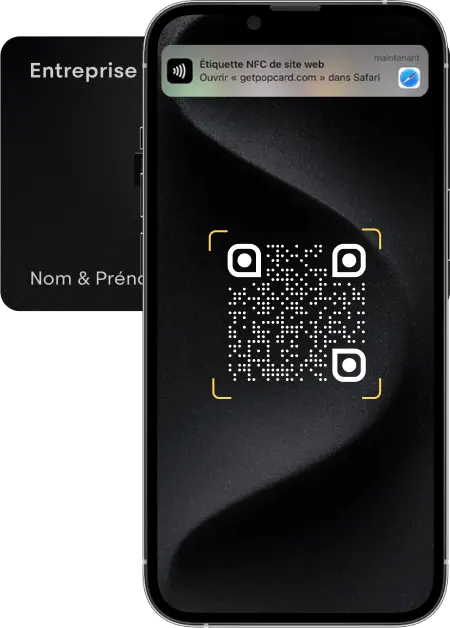
Scan the Popcard
Approach your card, either on the front or back of your contact's phone, and a notification will appear. You can also have them scan the QR code on the back of the card.
P.S.: Make sure NFC is enabled on your phone by typing "NFC" in the search bar of the settings.
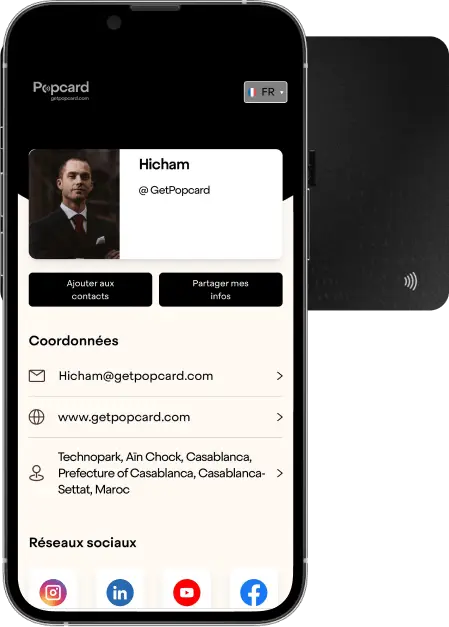
Your Popcard Profile
Your profile will be displayed with all the information you entered during the activation of your Popcard.
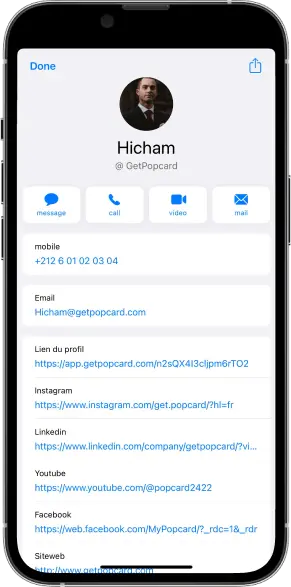
Contact sharing
By clicking on the "Add to Contacts" button, your contact can save your contact card to their phone.
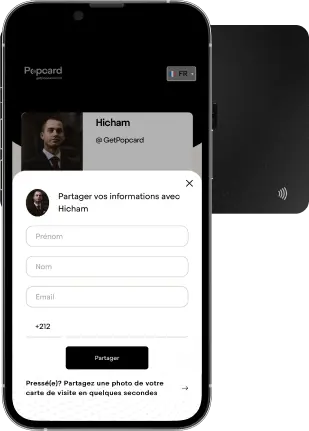
Contact Collection
By clicking on the "Share My Info" button, your contact can also send you their information via the form.
Frequently Asked Questions
Turn your business cards into powerful tools!
Discover how Popcard Metrics can help you take it to the next level.